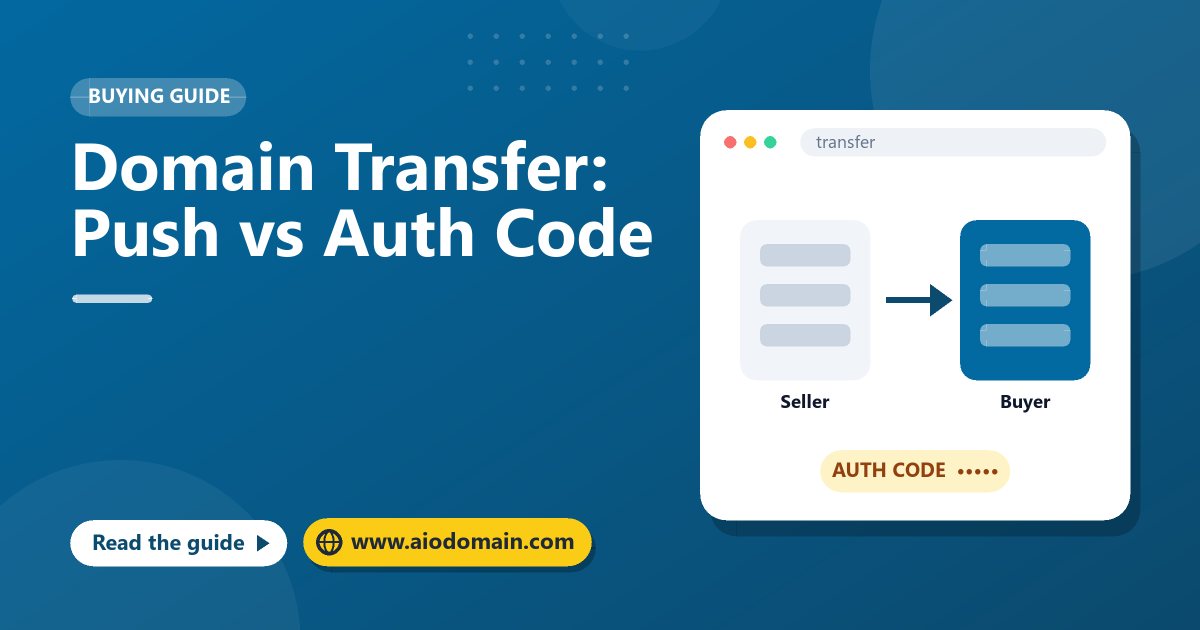
Paying for a domain is only half of the deal. The other half is the transfer: moving the domain from the seller's control into the buyer's. There are two ways to do it, and which one you use depends on whether buyer and seller use the same registrar.
Key takeaways
- Same registrar: the seller pushes the domain to the buyer's account, often in minutes.
- Different registrars: the seller unlocks the domain and gives the buyer the auth code.
- A transfer between registrars usually takes five to seven days and adds a year of registration.
- Recently registered or transferred domains may be locked for 60 days.
Method 1: Registrar push (account change)
If both parties hold accounts at the same registrar, the seller can move the domain straight into the buyer's account. The buyer gives the seller their account ID or e-mail at that registrar, the seller starts the push, and the buyer accepts it if the registrar asks.
- Speed: minutes to a day.
- Cost: usually free.
- Expiry date: unchanged.
Method 2: Auth code transfer (between registrars)
If the parties use different registrars, the domain moves through the registry:
- The seller removes the transfer lock (sometimes called registrar lock or client transfer prohibited).
- The seller copies the authorisation code, also called the EPP code or transfer key, and shares it with the buyer through the transaction page.
- The buyer starts a transfer at their registrar, enters the code and pays the transfer fee, which normally adds one year to the registration.
- The losing registrar may send a confirmation e-mail to the seller; approving it speeds things up.
- The transfer completes, usually within five to seven days.
Before you start: a checklist
| Check | Why it matters |
|---|---|
| Domain is unlocked | A locked domain cannot leave its registrar. |
| Not in a 60-day lock | Many registrars block transfers within 60 days of registration, a previous transfer or an owner change. |
| Not expired | Expired or redemption-period domains must be renewed first. |
| Contact e-mail works | Confirmation messages go to the registrant. |
| DNS plan ready | Copy the DNS records you want to keep before the move. |
Common problems and fixes
"The auth code is invalid"
Codes are case-sensitive and can contain symbols. Copy it again without spaces, or ask the seller to generate a new one.
"The domain is locked"
The seller must unlock it in their registrar panel. If it was registered or transferred in the last 60 days, the buyer may need a push instead, or to wait.
The transfer is stuck
Ask the seller to approve the pending-transfer e-mail from the losing registrar. Otherwise the transfer completes automatically after the waiting period in most cases.
How AIODomain handles transfers
After payment, the transaction page guides the seller through the method the buyer chose. The seller marks the domain as transferred, the buyer confirms it is in their account, and only then is the seller paid. Every step is timestamped, so if there is a dispute the support team can see what happened. Read our domain transfer policy for deadlines.
After the transfer
- Change the account password and turn on two-factor authentication.
- Re-lock the domain and set it to auto-renew.
- Update the contact details and DNS.
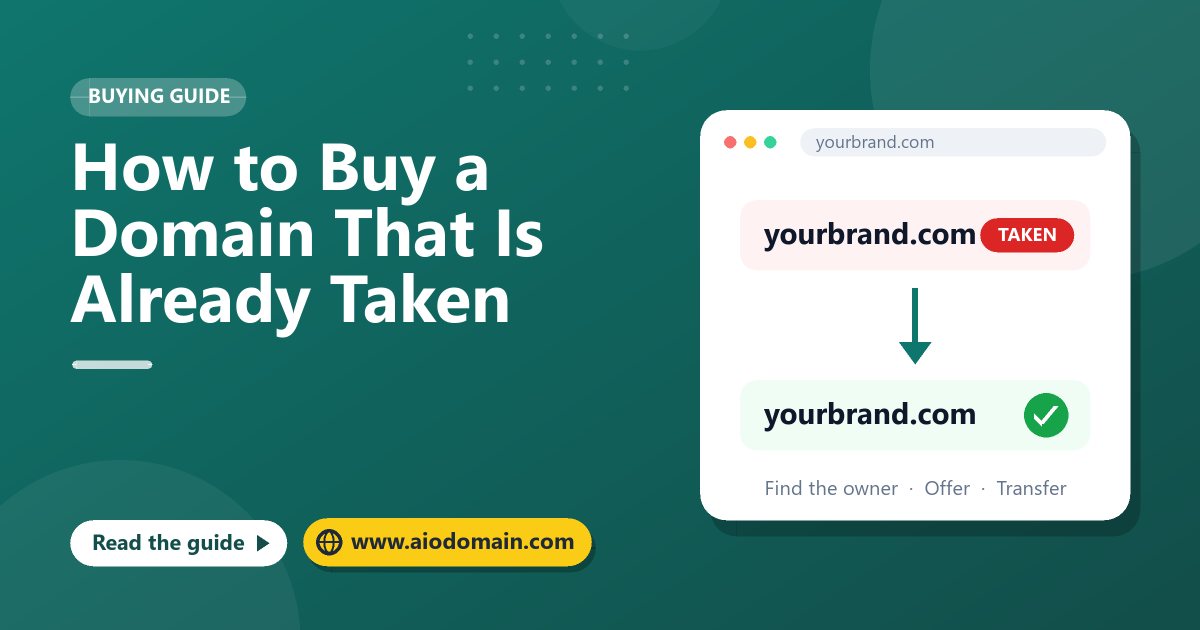
New to buying? Start with how to buy a domain that is already taken.
Frequently asked questions
Does a transfer cause website downtime?
Not if the DNS records stay the same. Copy the records before the transfer and check them right after.
Can a seller take the domain back after the transfer?
Not without access to the buyer's account. That is why you should secure the account immediately after receiving the domain.